Make a child the hero of their own picture book.

Create a warm illustrated keepsake for your child, grandchild, niece, nephew, student, or family friend. Add a few photos and choices; Talecraft shapes the story, illustrations, and PDF.

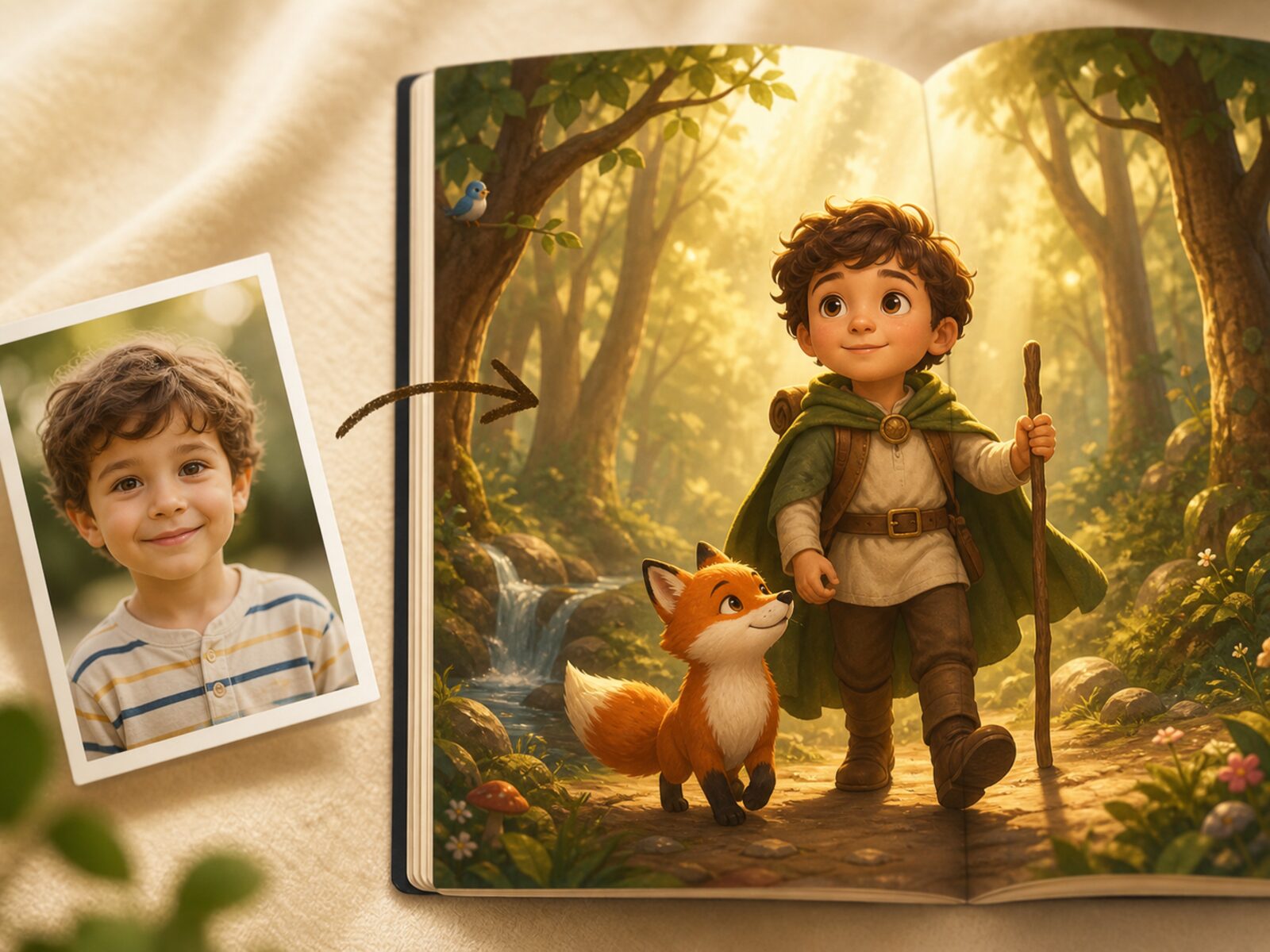
A child photo beside an open illustrated picture book where the child appears as the hero of a forest adventure
From photo to picture bookShow them a world where they are already the hero.

Your child’s photos have one job.

They guide how the child appears in the story. You choose which photos to add, which profile they belong to, and which finished books stay in your library.

Used for the bookPhotos guide the child character.
Profile controlAdd or remove photos from the child profile.
You choose what staysKeep books in your library or delete them when needed.

A finished book, not just pictures.

You receive a readable online book with story text, illustrated pages, and PDF export.

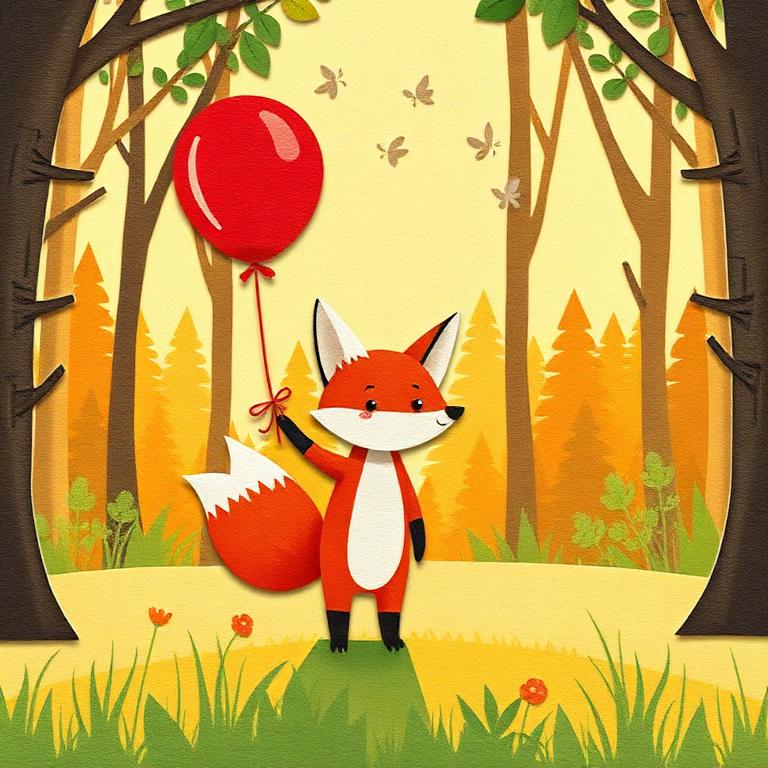
Illustrated interior page from a finished Talecraft picture book
Cover and storyShow them a world where they are already the hero.
Interior page

Mila found the silver key under the mushroom lantern and knew the forest had been waiting for her.

Online reading + PDFReady for a library, gift, or print
Personal storyThe child stars in a beginning, page turns, and an ending shaped by their details.
Illustrated pagesArt and text sit together so it reads like a picture book.
Reading viewOpen the book online before saving, sharing, or gifting it.
Online and PDFRead it online, save it in your library, or export the PDF.

Personal enough to recognize. Finished enough to keep.

Talecraft combines the child's name, photos, story world, illustration style, layout, and export so the result feels like a real book.

3-5photos are enough to personalize the main character
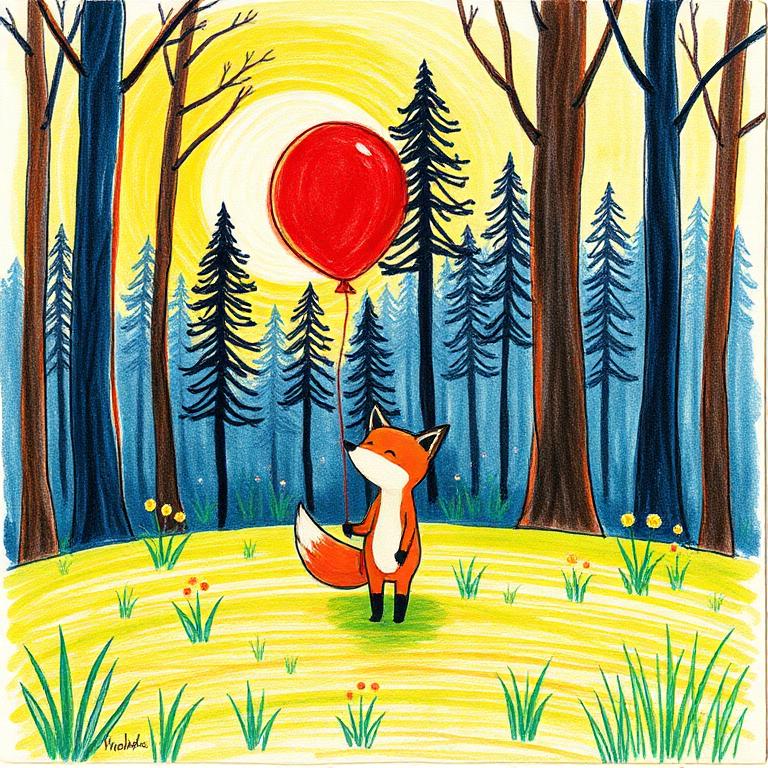
9visual styles from watercolor to paper cutout
PDFexport for keeping, printing, or sharing

Show them a world where they are already the hero.

Preview how a child's face, name, and favorite kind of adventure can become a forest quest, moonlit bedtime tale, or bright paper-cut story.

Mila found the silver key under the mushroom lantern and knew the forest had been waiting for her.

Simple enough for tonight, special enough to keep.

The Product App handles the hard parts: writing, illustration, layout, storage, checkout, and PDF export.

  1. 1
    Add the child

    Name, age, and a few reference photos.

  2. 2
    Choose the feeling

    Pick a world, tone, language, and art style.

  3. 3
    Keep the book

    Read it online, save it, or download the PDF.

A gift that turns into bedtime.

Send a book credit with a personal message. The recipient redeems it and creates the book with their child photos when the moment is right.

Gift a book

How gifting actually works

You do not need the child’s photos to give Talecraft. The family creates the book when they are ready.

  1. 1
    Buy a book creditChoose the gift and recipient email.
  2. 2
    Add your messageSend a note that makes it feel personal.
  3. 3
    They create itThe recipient uploads photos and starts the book.

Start with one story. Come back for the next occasion.

Pricing stays simple on the Marketing Site, while exact plans and checkout live in the Product App.

Gift book

from $6.99

A one-book credit with email delivery and a personal message.

Family rhythm

monthly plans

For siblings, seasons, birthdays, and bedtime rituals.

Keepsake library

PDF included

Save the finished story and keep it in your family collection.

See plans

Questions before the first story

Do I need to write prompts?

No. Talecraft guides the choices and turns them into a complete book.

Can I make one for a child who is not mine?

Yes. Talecraft is designed for parents, relatives, friends, and caregivers.

What happens to child photos?

Photos are used to personalize the child character in the books you create. They stay tied to the child profile and finished books you control, so you can manage photos, profiles, and saved books from your library.

Can I change the book after it is generated?

You can edit story text on saved books and regenerate individual page images within the book's allowance.

Where does checkout happen?

Checkout happens in the Product App so books and billing stay together.