Preview
freeUse the example to understand the experience.
Browse a few story moments here, then open the Product App example when you want the interactive experience.
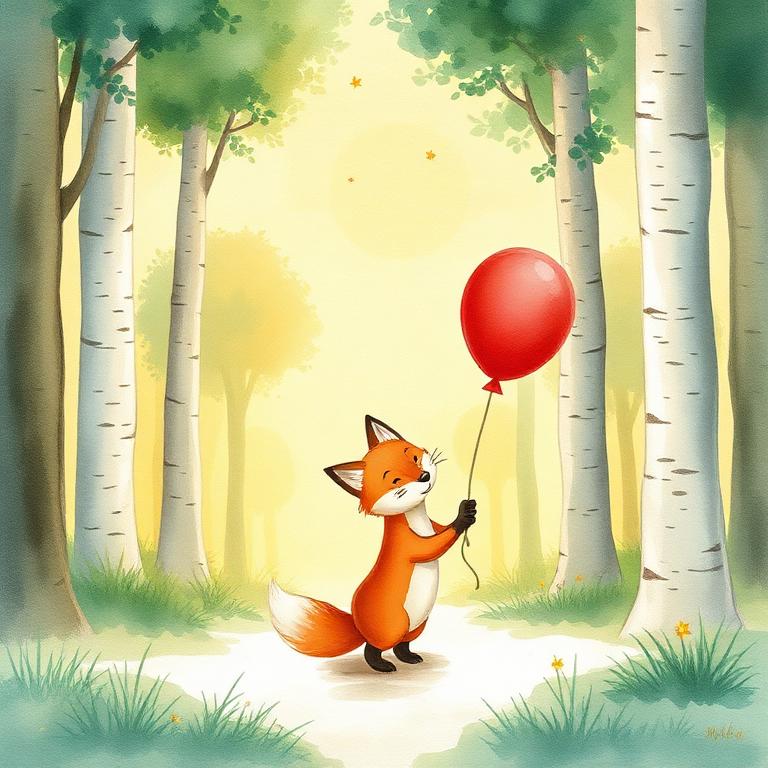
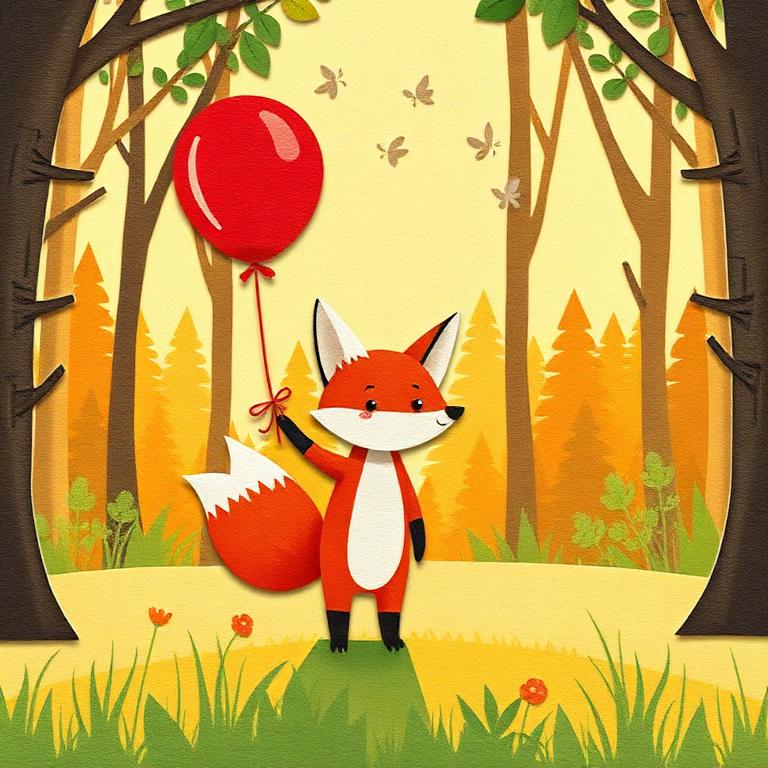
Marketing previews show the finished feeling. The Product App owns browsing, generation, saving, and export behavior.

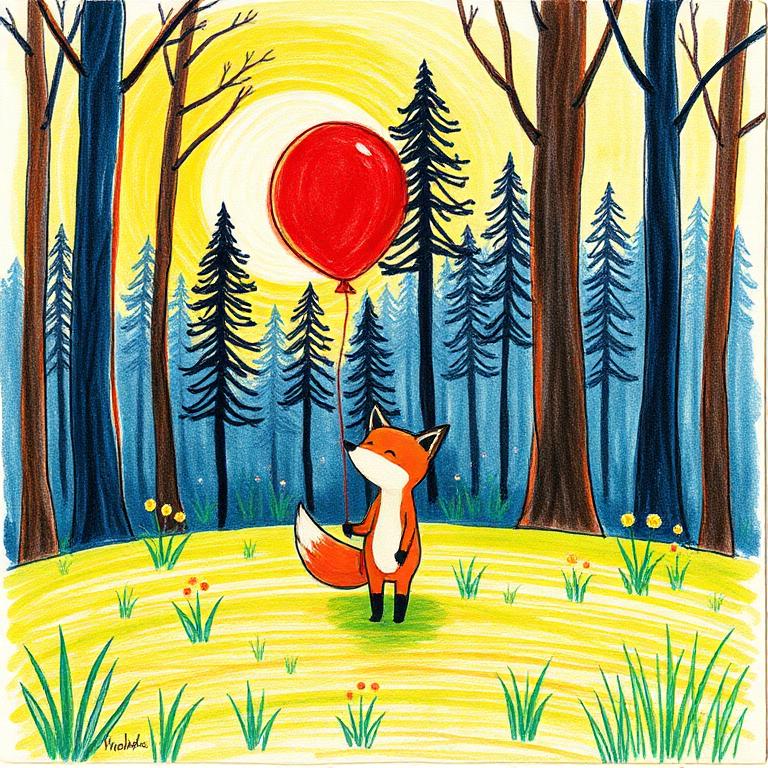
Watercolor bedtime scenes, paper-cut adventures, crayon worlds, and bright 3D moments can all frame the child as the hero.
The moon drew a silver path, and Noah followed it all the way to the sleeping stars.
See the flow before creating or gifting a book.
How Talecraft frames a child-led adventure.
How different visual styles change the feeling.
Where creation, preview, checkout, and saving happen.
The Product App example is the right place to explore real app behavior beyond static marketing previews.
See exampleWhen the sample feels right, start a real book or send one as a gift.
Use the example to understand the experience.
Start with photos and story choices.
Save the finished story when it is complete.
This page is static. The Product App example owns interactive behavior.
Yes. Example CTAs hand you to the app when you are ready.
They are visual examples of the style range Talecraft supports.